Connect MetaTrader 5
Step-by-step guide to connecting your MT5 account to BitStat. Works with any broker that supports MT5.
MT5 connection works differently from crypto exchanges. Instead of API keys, you use credentials from your broker: Login, Investor Password and Server name.
1
Log in to your broker's cabinet
Go to your broker's website and log in to your personal cabinet. This is where you will find your MT5 credentials — Login, Investor Password and Server name.
2
Get your credentials
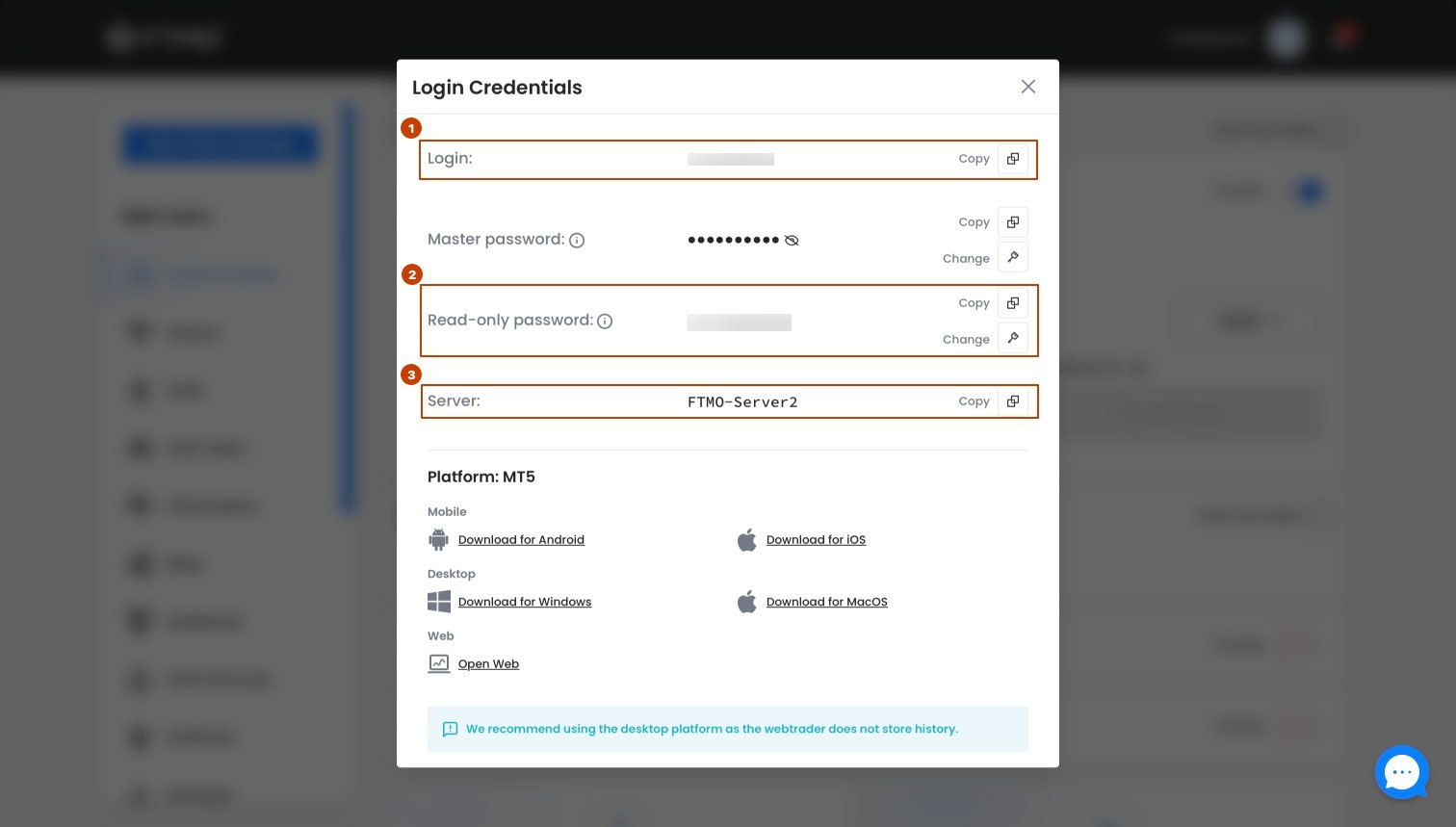
In your broker's cabinet find three things:
- Login — your MT5 account number (from welcome email or personal cabinet)
- Investor Password — a read-only password. Find it in account settings or ask broker support
- Server name — from your broker email or visible in MT5 bottom left corner (e.g. FTMO-Server2)
The Investor Password is different from your main trading password. It gives read-only access — BitStat can read trades but cannot place or close any orders.
Can't find the Investor Password? Contact broker support and ask: "What is my MT5 Investor Password for account [your login]?"
3
Connect in BitStat
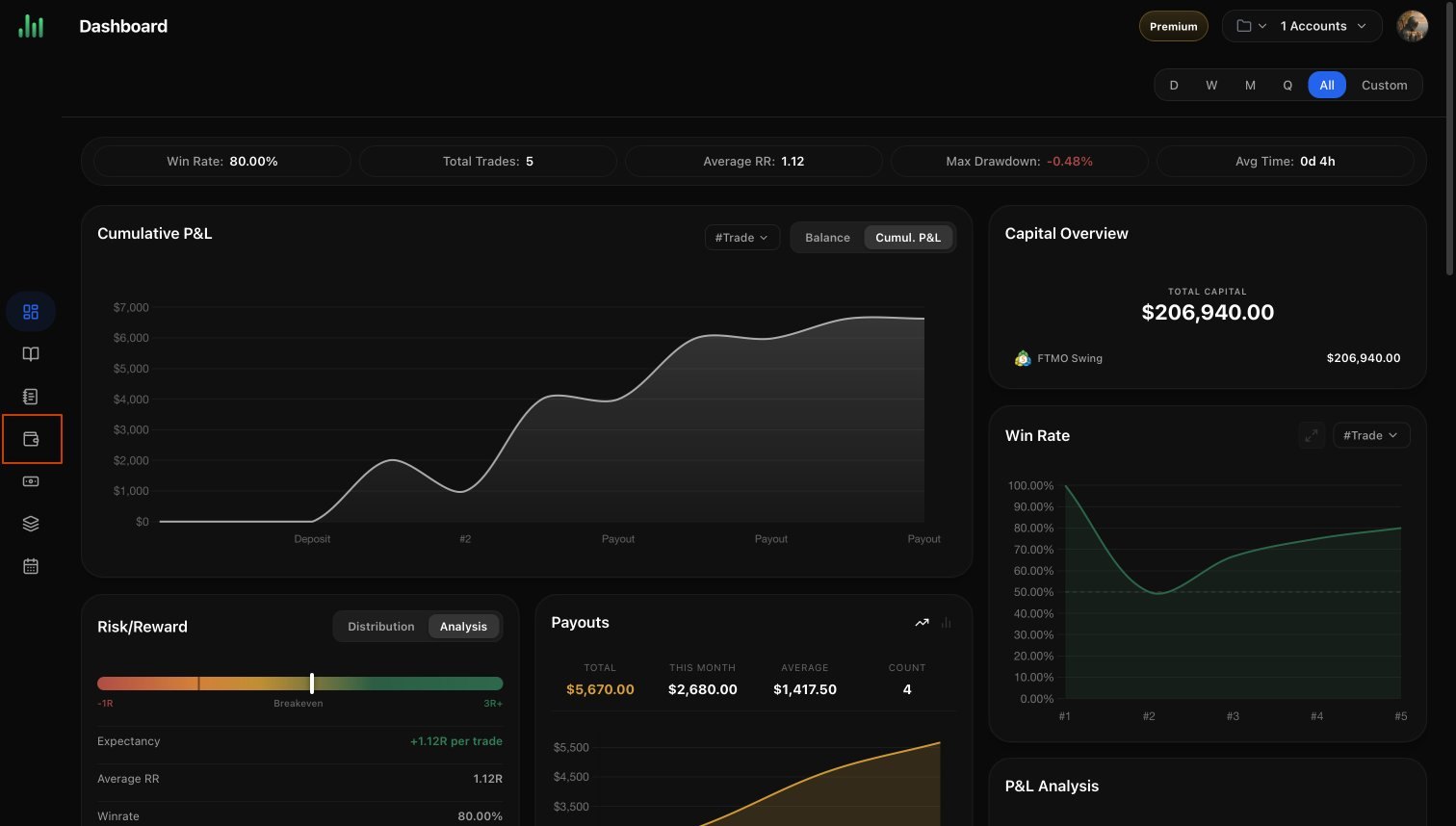
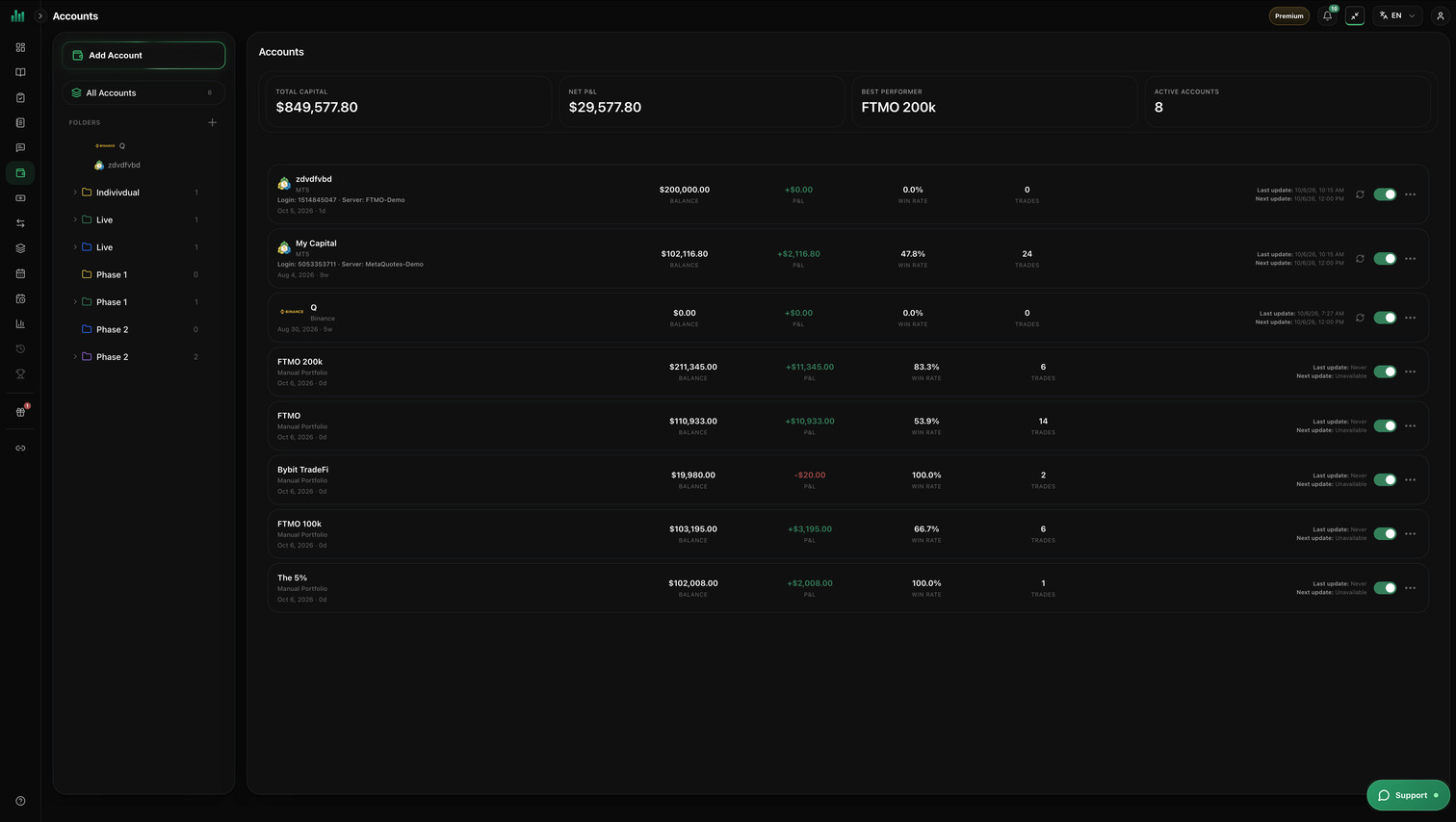
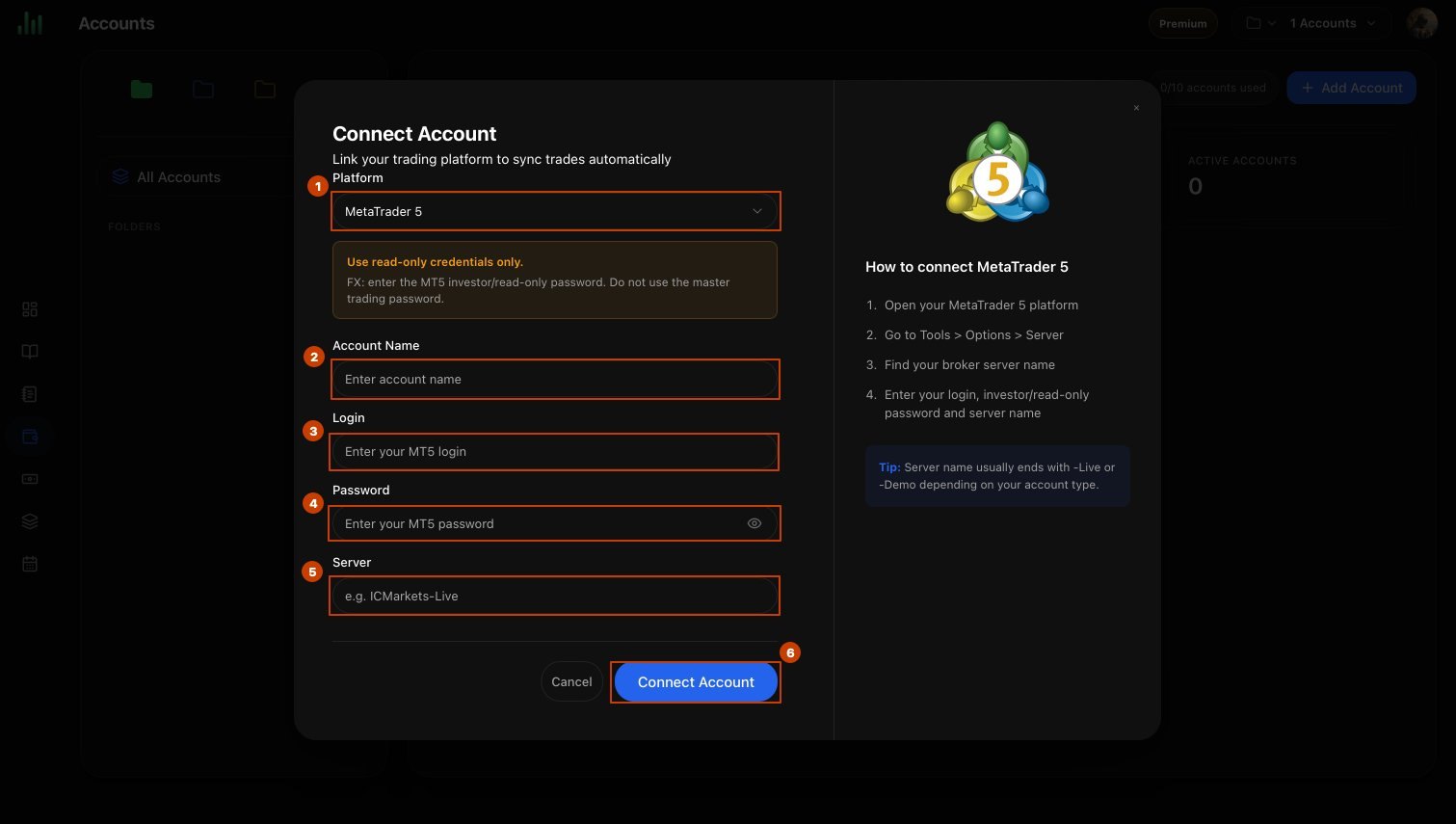
Open Accounts and select Add Account in the left menu. Choose MetaTrader 5, enable Auto-sync, then enter Account name, MT5 login, Investor password, and Server → click Connect account.
BitStat will start syncing your trade history automatically after connection.